Skip to content

Using AI in Website Design: How to use AI properly in Web Design

Artificial intelligence is rapidly changing the way websites are planned, designed, written and built. For business owners, AI can make the web design process faster, more efficient and more affordable. For designers and developers, it can speed up research, content creation, coding, testing and optimisation.

However, AI is not a replacement for professional web design. Used badly, it can create generic content, poor layouts, inaccurate information and websites that look unfinished or lack personality. Used properly, it can be a powerful tool that supports creativity, improves productivity and helps create better websites.

The key is understanding where AI is useful, where human expertise is still essential, and how to combine the two effectively. This is especially important when planning a professional business website, where design, content, performance and SEO strategy all need to work together.
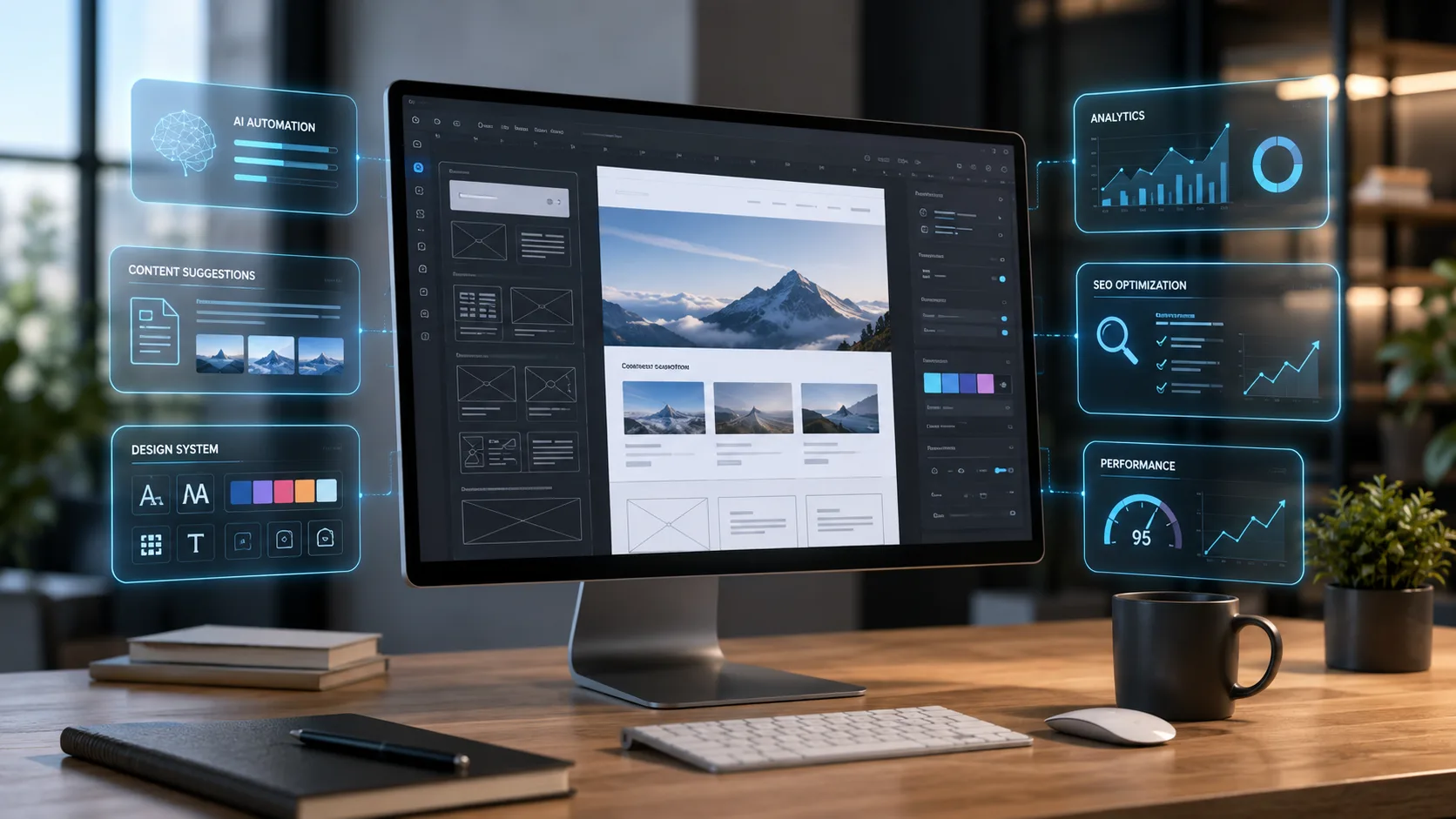
Website designer using AI tools to plan a professional website layout and user experience
AI can support the web design process, but it works best when guided by human creativity and strategy.

What AI Can Do in Website Design

AI can assist with many parts of the web design process. It can help generate ideas, plan page structures, write draft content, suggest layouts, create images, improve code and identify potential SEO opportunities.

For example, AI can be used to brainstorm website ideas, create first drafts of website copy, suggest headings and calls to action, generate image concepts, help write HTML, CSS, JavaScript or PHP, improve existing content, create meta titles and descriptions, analyse competitors and plan blog articles.

This can save a huge amount of time, especially during the early stages of a project. Instead of starting with a blank page, AI can provide a strong starting point that can then be refined by a professional designer or business owner. For businesses planning a new site, this works best alongside proper WordPress development, clear messaging and a strong conversion strategy.

Why AI Should Not Replace Human Web Design

Although AI is useful, it should not be relied on to build an entire website without human input. A successful website needs more than text, images and code. It needs strategy, branding, user experience, trust signals, conversion planning, technical performance and search engine optimisation.

AI does not fully understand your business, your customers, your tone of voice, your local market or your long-term goals unless it is carefully guided. It may also produce content that sounds good but is vague, repetitive or inaccurate.

A professional web designer brings judgement. They know what should be included, what should be removed, how a page should flow, what will help users take action, and how to make the website feel credible and trustworthy.

AI can assist with the work, but it should not be allowed to make all the decisions. If you are looking for a more strategic approach, our web design in St Albans service is built around creating websites that look professional and support real business goals.

Use AI for Ideas, Not Final Decisions

One of the best ways to use AI in website design is for idea generation. It can help you explore different approaches quickly.

For example, you could ask AI to suggest homepage section ideas for a local service business, different headline options for a landing page, FAQ questions customers may ask, blog topics based on your services, or ways to explain a complex service more simply.

This is extremely useful, but the results should be reviewed carefully. Not every suggestion will be suitable. Some may be too generic, too sales-focused or not relevant to your audience.

The best approach is to use AI as a creative assistant, then apply human judgement to choose the strongest ideas.

Use AI to Draft Website Content

AI can be very helpful when writing website content, especially when creating a first draft. Many business owners struggle to describe their services clearly, and AI can help structure the information in a more professional way.

However, AI-generated content should always be edited. It often needs to be made more specific, more personal and more accurate.

Good website content should include what the business actually does, who the service is for, the areas covered, the benefits to the customer, the process involved, why the business can be trusted and clear calls to action.

AI may create a decent draft, but it is the human input that makes the content believable and useful. This is also where SEO matters, because content should be written for users while still supporting the search terms your business wants to be found for.
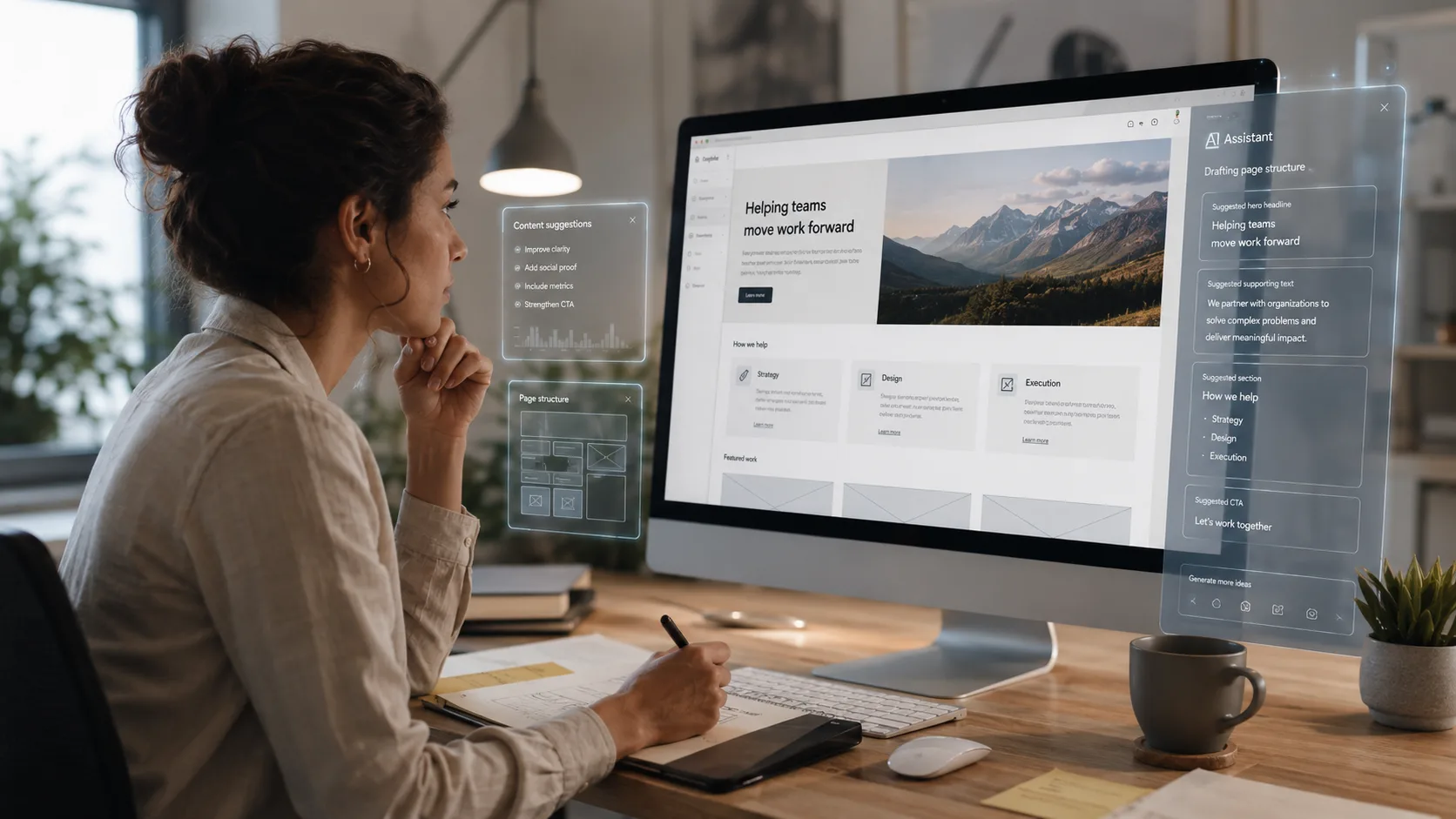
Designer reviewing AI-generated website content ideas and page structure on a large monitor
AI can help create first drafts and structure ideas, but the content still needs to be checked, edited and personalised.

Avoid Generic AI Content

One of the biggest risks of using AI in web design is ending up with generic content. Many AI-written websites sound very similar. They use phrases such as “tailored solutions”, “high-quality service”, “take your business to the next level” and “we are passionate about helping our clients succeed”.

These phrases are not necessarily wrong, but they are overused. They do not tell the visitor anything specific about the business.

To use AI properly, you should give it detailed information. Instead of asking it to “write a homepage for a web design company”, provide details about the services, location, target customers, pricing style, tone of voice and what makes the business different.

The better the input, the better the output.

Use AI to Improve User Experience

AI can help identify ways to make a website easier to use. You can ask it to review a page structure and suggest improvements to the user journey.

For example, AI can help answer questions such as whether the page is easy to understand, whether the call to action is clear, whether there are too many sections, whether important information is missing, whether the content could be simplified, and whether the headings are in a logical order.

This can be useful when planning landing pages, service pages and homepage layouts. However, the final user experience still needs to be tested by real people. AI can make suggestions, but actual visitors decide whether a website is clear and convincing. Reviewing examples of completed projects, such as those in a website design portfolio, can also help identify what works well in real business websites.

Use AI Carefully for SEO

AI can be useful for search engine optimisation, but it needs to be used carefully. It can help create keyword ideas, draft meta titles, write FAQs and suggest page structures. It can also help identify content opportunities for local SEO.

For example, a web design business may use AI to plan separate service pages for different locations, create article ideas around website costs, or draft FAQs about web design, hosting and maintenance.

However, AI should not be used to mass-produce low-quality SEO pages. Search engines are becoming better at recognising unhelpful content. Pages should be written for real users first, with SEO built in naturally.

Proper SEO content should be useful, specific and relevant. It should answer real questions and provide genuine value. For local businesses, this is especially important when targeting competitive searches such as SEO services in St Albans.

Use AI for Coding Support

AI can be very helpful for coding tasks. It can explain errors, suggest improvements, create snippets and help with HTML, CSS, JavaScript, PHP and WordPress development.

This can speed up development, especially for repetitive or technical tasks. For example, AI can help create custom CSS, fix layout issues, write schema markup, build simple functions or troubleshoot WordPress templates.

However, AI-generated code should always be checked. Code can contain mistakes, security issues or compatibility problems. It may also solve one issue while creating another.

For professional websites, code should be tested properly before being added to a live site. Once a site is live, regular website maintenance also helps keep it secure, updated and performing properly.

Web developer using AI to improve website code, SEO and performance optimisation
AI can help with code, SEO and optimisation, but everything should be reviewed and tested before going live.

Use AI for Image Concepts, But Keep Branding Consistent

AI image generation can be useful for creating visual ideas, hero images, blog graphics and design concepts. It can help when stock photos feel too generic or when a business needs a specific type of image that is difficult to find.

However, AI images should be used with care. Some may look unrealistic, include strange details or feel inconsistent with the rest of the website. They also need to match the brand style, colours and tone of the site.

Before using AI images on a website, check that they are high quality, relevant to the page, consistent with the brand, not misleading, properly optimised for web performance and given appropriate alt text.

Images should support the content, not distract from it.

Keep the Human Touch

The most effective websites feel clear, trustworthy and personal. They show that there is a real business behind the screen. This is where human input matters most.

AI can help write content, but it cannot replace real experience, customer understanding or brand personality. A website should include genuine information about the business, real services, real locations, real examples and clear reasons why someone should make an enquiry.

Customers are more likely to trust a website that feels authentic. If the whole site feels like it was generated automatically, it may fail to build confidence.

Check Everything AI Produces

AI can make mistakes. It can invent facts, misunderstand instructions or produce content that sounds confident but is inaccurate.

Before publishing AI-assisted content, always check facts and claims, spelling and grammar, tone of voice, service details, contact information, location information, legal or industry-specific claims, SEO metadata, image accuracy and code quality.

AI should speed up the process, not remove the need for quality control.

The Best Way to Use AI in Web Design

The best approach is to use AI as part of a professional workflow.

A sensible process would be to plan the website strategy manually, use AI to generate ideas and draft content, edit the content so it matches the business, design the layout around the user journey, use AI to support coding and optimisation, test everything manually and refine the website based on real feedback.

This approach gives you the speed of AI without losing the quality, personality and judgement that a good website needs.

Conclusion

AI is a powerful tool in modern website design, but it works best when used properly. It can help with ideas, content, SEO, coding, image concepts and website planning. It can save time and improve efficiency, especially when guided by someone who understands web design.

However, AI should not replace human creativity, strategy or attention to detail. A successful website still needs clear messaging, strong branding, good user experience, technical quality and a genuine understanding of the customer.

The best websites will not be created by AI alone. They will be created by people who know how to use AI intelligently as part of a wider web design process. If you would like help planning a professional website, explore our digital services or request a quote through the site.

The Complete Business Start-Up Package: Everything You Need to Launch and Grow Online

Starting a business is hard enough without also having to become an expert in web design, SEO, Google Ads, branding, and hosting all at once. I’ve been working with start-ups and growing businesses in Hertfordshire for over 13 years, and the pattern I see repeated most often is this: people launch with whatever they can cobble together quickly, then spend the next two or three years trying to fix it. This article is about why that happens, what a proper digital foundation actually looks like, and how getting everything in place from the start saves a significant amount of time, money, and frustration.

The businesses that struggle most with their online presence aren’t the ones that did nothing — they’re the ones that did things cheaply and quickly, without thinking about how each piece connects to the next. A Wix site that can’t be migrated. A logo that only exists as a low-resolution JPEG. A Google Business Profile sitting unclaimed. None of these things feels catastrophic on its own, but together they create a digital presence that works against you rather than for you.

Getting the foundations right from the outset isn’t just neater — it’s genuinely cheaper in the long run.

What Does a Complete Digital Start-Up Package Include?

The scope of digital services a new business needs is broader than most people expect. Below is a breakdown of every component a serious start-up should have in place, and why each one carries weight. This joined-up approach is exactly what our complete business start-up package is designed to cover.

🌐
Website Design & Build
Custom WordPress development, built for speed, conversion, and search.
🔍
Search Engine Optimisation
On-page SEO, technical foundations, and local search from launch.
📢
Google Ads / PPC
Paid search campaigns that generate enquiries while organic rankings build.
🗺️
Google Business Profile
Full GBP setup and optimisation for local visibility and Maps presence.
🎨
Branding & Brand Assets
Logo, colour palette, typography, and brand guidelines.
🖨️
Marketing Materials
Business cards, leaflets, and print-ready artwork designed to match your brand.
🛡️
Hosting & Management
Managed hosting, security monitoring, backups, and ongoing maintenance.
⚙️
Development & Growth
Ongoing development as your business evolves — new features, pages, and integrations.

1. Your Website — The Foundation of Everything

Everything else — your SEO, your Google Ads, your social media presence — ultimately points back to your website. If it’s slow, hard to navigate, or doesn’t give people a reason to pick up the phone, you’re spending money to send people somewhere that won’t do anything with them. I’ve audited hundreds of small business sites over the years and the same issues come up constantly: enormous image files, generic template layouts, contact forms that don’t work, no SSL. The site is technically live, but it’s doing nothing.

At Webtex we build everything on WordPress, using custom hand-coded PHP page templates. We don’t use Elementor, Divi, or any other page builder — and that’s a deliberate decision, not a preference. Page builders generate bloated code that slows sites down, creates compatibility problems with updates, and locks you into a third-party platform you didn’t sign up for. A hand-coded site loads faster, ranks better, and is straightforward to maintain without specialist tools.

Why page speed matters at launch

Google uses Core Web Vitals as a direct ranking factor. A site that loads slowly on mobile — where the majority of local search traffic now comes from — will rank below a faster competitor regardless of how good its content is. We’ve seen this firsthand with clients who came to us after using page builders: rebuilding on a clean codebase typically moves their mobile PageSpeed score from the 40s into the 90s.

Starting with a fast site is considerably cheaper than rebuilding a slow one six months down the line.

2. SEO — Getting Found Without Paying for Every Click

SEO is the one area where I consistently see new business owners either ignore it entirely or wildly overestimate how quickly it works. The reality sits somewhere in the middle: organic search rankings take time — typically three to six months before meaningful traffic starts coming through on a new domain — but the work you do at launch has a direct impact on how quickly that happens and how high you end up ranking.

A site launched with proper on-page SEO, schema markup, correct canonical tags, and a sensible internal linking structure starts accumulating signals immediately. One launched without any of that has to go back and retrofit everything, often after the site has already been indexed with problems. Fixing things after the fact is slower and less effective than doing them right at the start.

For local businesses in Hertfordshire and beyond, the specific things that move the needle are:

  • Location-specific page structure targeting the towns and areas you serve
  • Schema markup communicating your business type, services, and location to search engines
  • Technical SEO covering site speed, mobile usability, crawlability, and indexing
  • A content strategy built around the search terms your customers actually use
  • Consistent NAP (Name, Address, Phone) data across all online platforms

The businesses ranking at the top of Google for competitive local searches got there because they invested in the right foundations early. That head start is hard to close once someone has it.

3. Google Ads — Revenue While You Wait for Organic Rankings

New domains don’t rank overnight. While your organic SEO is building, there’s a gap — sometimes three to six months — where you’re visible to almost nobody on Google. For a business that needs enquiries from week one, that gap is a real problem. Google Ads is the most direct way to bridge it.

A well-structured PPC campaign puts you in front of people who are actively searching for what you offer at the moment they’re looking. That’s a fundamentally different kind of audience from social media advertising, where you’re interrupting people who weren’t thinking about you at all. The catch is that Google Ads rewards expertise — poorly structured campaigns with broad match keywords and no negative keyword lists burn through budget fast and produce very little. I’ve taken over campaigns that were spending £800 a month and generating two or three leads. The same budget, restructured properly, produced fifteen.

Google Ads rewards expertise. I’ve taken over campaigns spending £800 a month and generating two or three leads. The same budget, restructured properly, produced fifteen. The difference isn’t the spend — it’s the setup.

We manage campaigns end to end — keyword research, campaign architecture, ad copy, bid strategy, landing page alignment, and ongoing optimisation. We report on cost per lead and cost per acquisition, not impressions or click-through rate. The only number that matters is what it costs you to get a customer.

4. Google Business Profile — Your Most Powerful Free Tool

If you serve customers in a specific area, your Google Business Profile is probably the highest-impact thing you can optimise — and it costs nothing to set up. A properly configured GBP listing puts you in the Maps results and the local pack at the top of Google search, often appearing above the organic results entirely. For a new business with no domain authority, that’s significant.

The problem is that most businesses treat GBP as a one-time setup job. They fill in the basic details, maybe add a few photos, and leave it. An optimised profile is a different thing altogether:

  • Accurate and consistent business name, address, and phone number
  • All relevant service categories selected correctly
  • A keyword-rich business description
  • Full service listings with descriptions
  • Regular photo updates
  • A structured approach to generating and responding to reviews
  • Google Posts used consistently to signal activity

Reviews in particular make a measurable difference to both rankings and click-through rates. We set up and fully optimise your GBP as part of the start-up package, including a review generation process you can actually sustain.

5. Branding — The Visual Language of Your Business

Branding gets treated as an afterthought by a lot of new businesses, and it shows. A logo knocked together on Canva, inconsistent colours across different platforms, a font that doesn’t work at small sizes — these things might seem minor but they communicate something specific to potential customers: that the business hasn’t invested in itself. People make fast judgements about whether to trust a business, and visual presentation is a significant part of that.

Good branding isn’t about having an expensive logo. It’s about having a coherent visual identity that works consistently across everything — your website, your business cards, your signage, your email signature, your van. When those things all look like they belong together, it builds recognition and, with recognition, trust.

We produce complete brand asset packages: primary and secondary logo variations, colour palette specifications, typography guidelines, and usage rules — everything needed by a printer, signage company, or anyone else who needs to represent your brand without you standing over their shoulder.

6. Marketing Materials — Taking Your Brand Offline

Plenty of business still gets done face to face — at trade events, networking meetings, on a doorstep after a quote. A business card or leaflet that looks professional and matches your website reinforces every other impression you’ve made. One that doesn’t — mismatched colours, a pixellated logo, the wrong phone number — undermines it.

We design print-ready business cards, A5 and A4 leaflets, and other marketing collateral that’s consistent with your brand and supplied in the correct format for any UK printer. If you’ve ever sent artwork to a printer and got something back that looked nothing like what you expected, it’s usually a file format or colour profile issue — we handle all of that.

7. Hosting, Management, and Maintenance — The Infrastructure Nobody Talks About

This is the part of the package most people don’t think about until something breaks. A WordPress site is a live piece of software — it needs updates, security patches, backups, and occasional attention. Left unmanaged, sites get hacked. It happens more often than people expect, and it’s not always obvious: one of the most common attacks we deal with is database injection that creates thousands of spam pages indexed by Google before the site owner has any idea. Cleaning that up properly takes days and costs considerably more than a year’s worth of maintenance fees would have.

Our managed hosting and maintenance service covers:

  • UK-based managed hosting with daily backups
  • WordPress core, theme, and plugin updates
  • Security monitoring and malware scanning
  • SSL certificate management
  • Performance monitoring and optimisation
  • Minor content updates and amendments
  • Technical support when you need it

It’s not a glamorous part of the package, but it’s the one that keeps everything else working.

Why One Agency Matters

The piecemeal approach is understandable — it feels like it keeps costs down and gives you flexibility. In practice it usually does neither. A logo from a freelancer on Fiverr, a website from a local agency, SEO from someone you found on Google, hosting from a provider nobody can remember setting up — this creates a situation where nobody has the full picture, nothing quite matches, and when something goes wrong there are three conversations to have before anyone does anything.

When one agency is responsible for the whole thing, the pieces fit together properly. Your brand is consistent across your website, your GBP, your ads, and your print materials because the same people designed all of them. Your SEO and your site architecture are aligned from the start because the same people built both. When your hosting needs attention, you call the same number you call for everything else. There’s no finger-pointing, no gaps in accountability, and no time spent briefing five different suppliers on the same background.

After 13 years of doing this, I can tell you that the businesses that get the best results are almost always the ones that treated their digital presence as a joined-up system rather than a collection of separate tasks farmed out to whoever was cheapest at the time.

Who is this package for?

We work with two types of client on this: businesses starting from scratch who need everything built from the ground up, and established businesses that have been trading for a while but have never had a digital presence worth the name. The challenges are slightly different but the approach is the same — understand the business properly, build everything to a standard that actually performs, and make sure it all works together.

If either of those descriptions fits, it’s worth having a conversation.

Getting Started

We start every project with a discovery call — no forms to fill in, no automated quotes. I want to understand your business, who your customers are, where you’re trying to get to, and what’s been tried before. From there I’ll put together a clear recommendation and a straightforward cost.

If you’re launching a new business or you’ve been running one without the digital foundations it deserves, get in touch. The conversation is free and there’s no obligation.

Let’s talk about your business

Based in St Albans, serving businesses across Hertfordshire and the UK. One call, no obligation — just a straight conversation about what you need and what it would cost.

Get in Touch

TS
Tim Shortt

Senior Developer & Director, Webtex Digital Services. Over 13 years building WordPress websites and digital marketing solutions for businesses across Hertfordshire and the UK.